Clients, proposals and reminders in one place
Stop jumping between spreadsheets, email threads and notes when a client asks for something. Keep the person, the conversation and the next step together.
CRM for freelancers and small businesses
Contact CRM for professionals and small teams
Find the right person, act from the same record and keep follow-up available across web, mobile and desktop.
Some users want to make sure no follow-up slips through the cracks. Others need one shared contact base. Others are still working across Excel, Google, Outlook, and a phone address book. Start with the path that feels closest to your day.
Stop jumping between spreadsheets, email threads and notes when a client asks for something. Keep the person, the conversation and the next step together.
CRM for freelancers and small businessesShare contacts without losing control of who called, what was promised, which file matters and what still needs attention.
Shared contact management softwareImport contacts from Excel, Google, Outlook, Apple or CSV, clean them up, and turn them into records you can actually use.
Unify Google, Outlook and Apple contactsYou should not copy a phone number, open another app and then wonder where the conversation went. The contact record should drive your workflow.
Use phone fields as action buttons. Start the call or message from the record you just found.
Open WhatsApp from the contact record when a WhatsApp-ready number is available. No number hunting.
Open the composer from the email field and send through Gmail, Outlook or My Contacts Cloud email.
Use address fields to launch Google Maps for visits, deliveries and quick location checks.
Search the table, open the record, choose the action and leave the next step attached to the same contact. That is the daily rhythm My Contacts Cloud is designed to speed up.
Start the 10-day free trial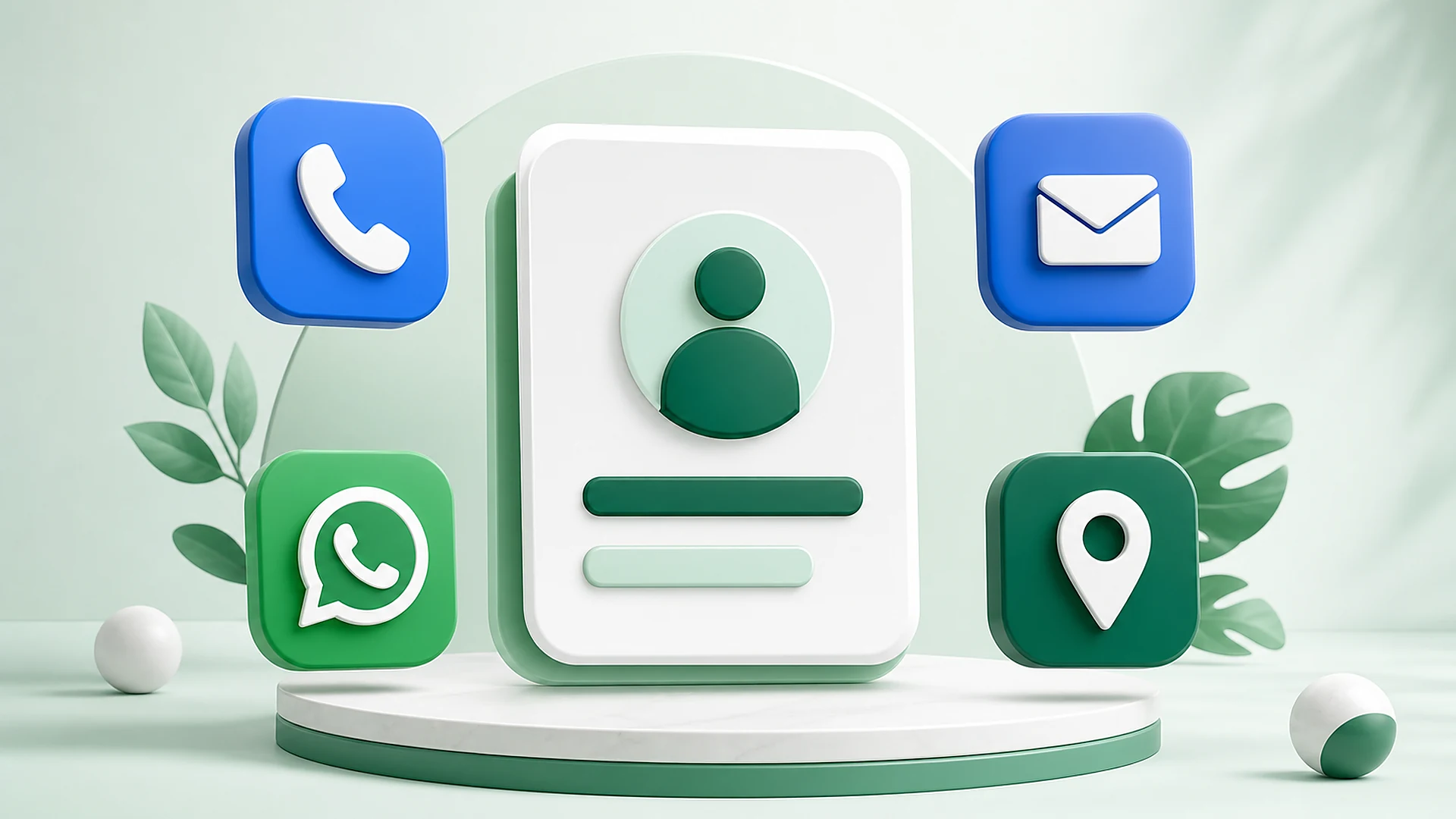
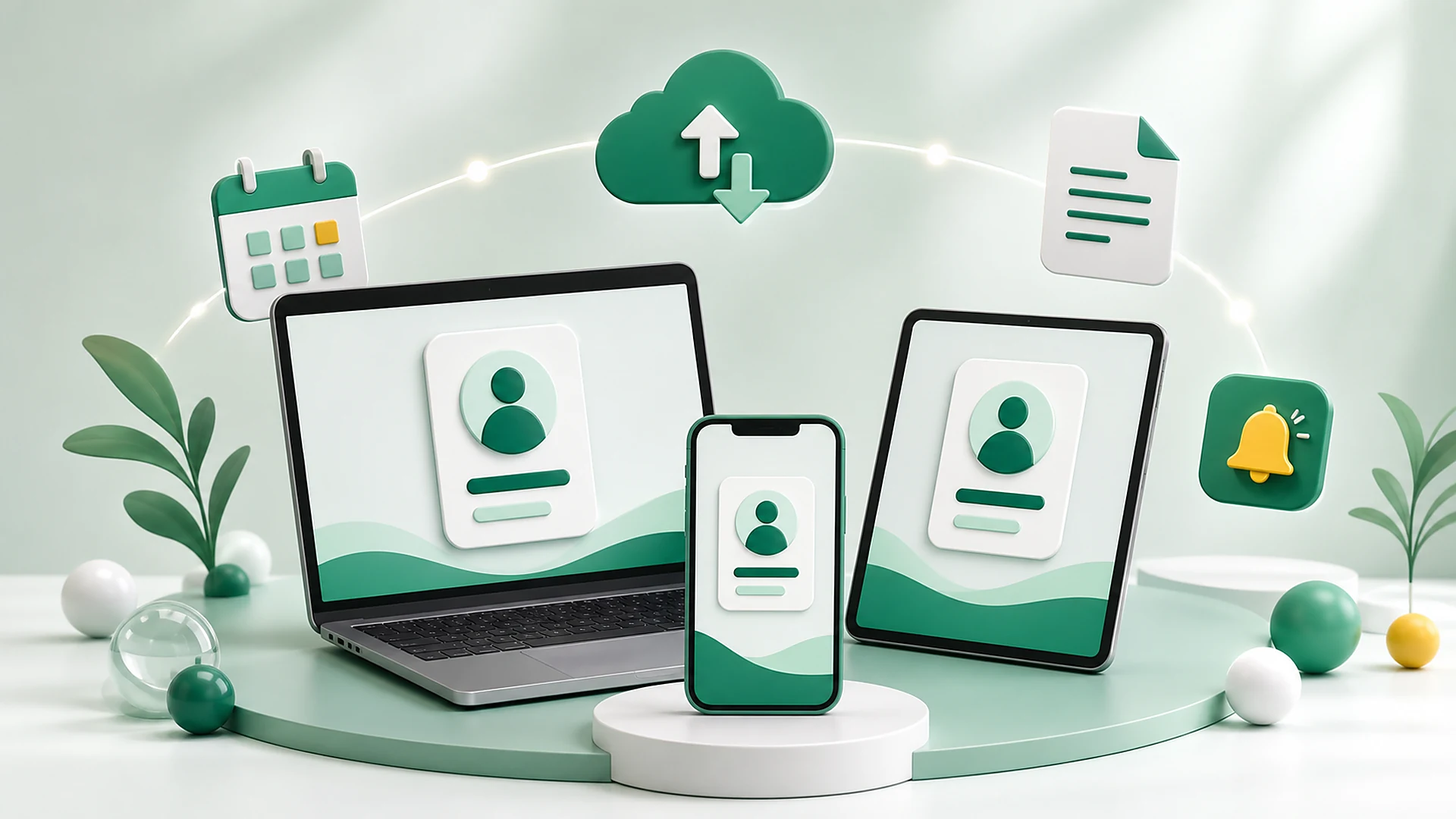
A simple CRM for contact management should make it clear who someone is, what happened and what needs to happen next. As a cloud contact CRM, My Contacts Cloud keeps that context available on web, mobile and desktop.
Fast action gets you moving. A visible next step, supported by CRM follow-up reminders, keeps the relationship alive: what happened, what's pending, when to follow up and which files are linked to that contact.
Record what happened, the outcome, notes, stage and pending action after each call, email or meeting.
CRM document management keeps proposals, contracts and files attached to the contacts or events where they matter, ready when it is time to write back.
Schedule meetings, tasks and follow-ups. Reminders come from real interactions, not from isolated notes.


The strongest benefit is practical: locate the contact, understand the context and move immediately to the next action.
All the client's data at your fingertips: call, WhatsApp or email from the same place. The search is quick.Marcos, freelancer
When you search for a client, you have many options to locate them, and it becomes really simple.Miriam, owner
Saving documents for each contact is a very organized way to access client information.Saul, founder
The contact profile is complete: address, phones, email, website, company data, position, department and notes.Sara, web designer
All my contacts are centralized across devices, and event planning is practical because it stays integrated with contacts.Mario, digital marketing
Looking for something specific? These pages answer the exact intent behind it while keeping the same promise: find the person, act from the record, and keep follow-up connected.
10-day free trial. No credit card. Full access to contacts, direct actions, documents, events, interactions and reminders.
No. It is built for the moment after you find a person: call, WhatsApp, email, open Maps, attach files, schedule events and leave the next follow-up ready.
Yes. The contact record gives direct actions for phone calls, WhatsApp, SMS, email, websites and Google Maps when those fields are available.
Yes. My Contacts Cloud CRM works across web, mobile and desktop, so the same contact workspace stays available from the device you are using.
Yes. Contacts can stay connected with documents, events, interaction history, pending actions and reminders, so the next step is not separated from the person.
Bring them in through import, review the data, and then work from practical contact records instead of scattered lists.
Yes. After a call, email or meeting, you can record the interaction, define the pending action and add a reminder date.
Yes. You can try every feature free for 10 days, with no credit card required.
If this looks like the right way to stop losing contacts and follow-ups, start the 10-day free trial with every feature enabled. If you prefer to ask something first, use the form below and we will reply by email.